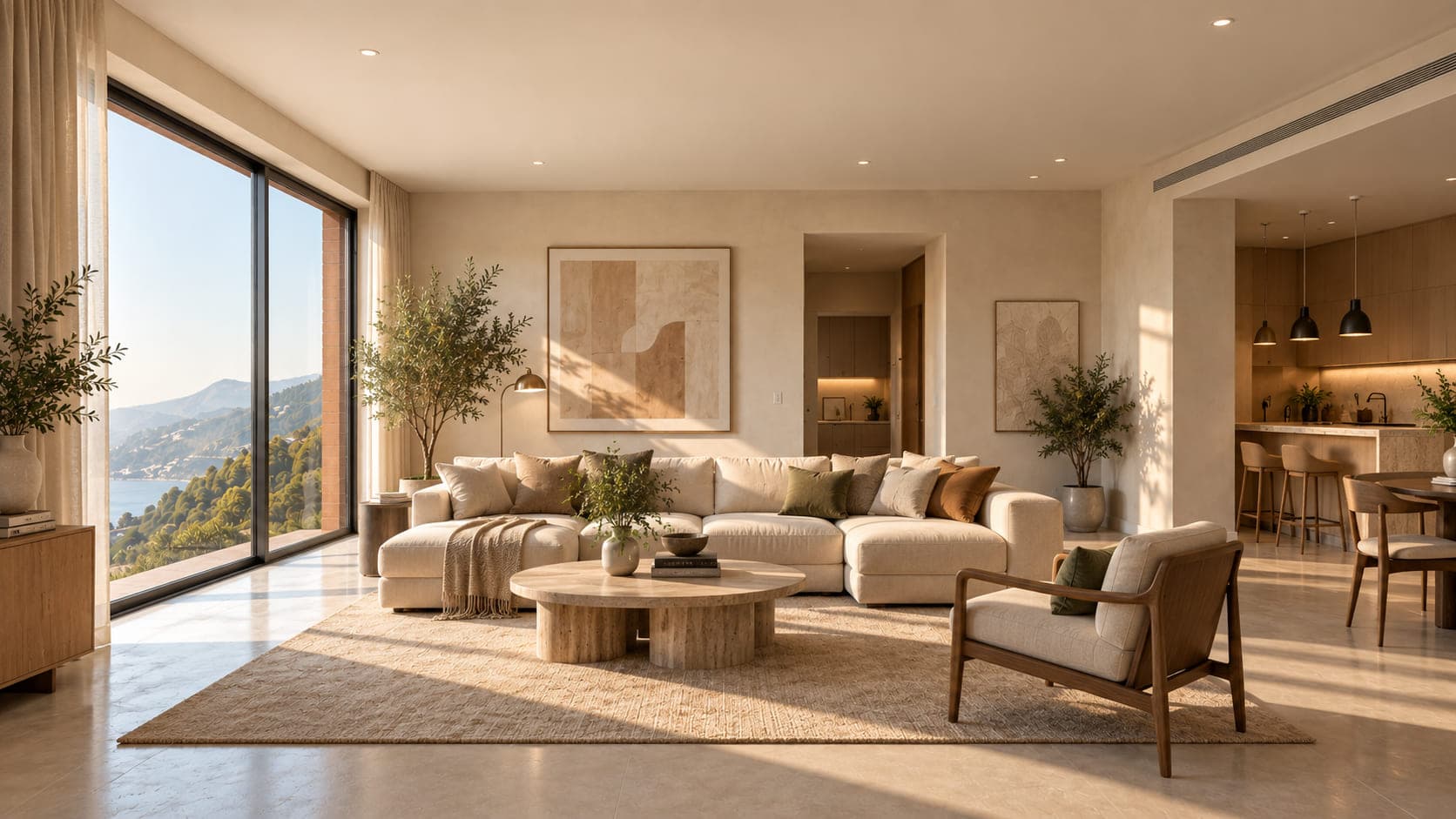
After
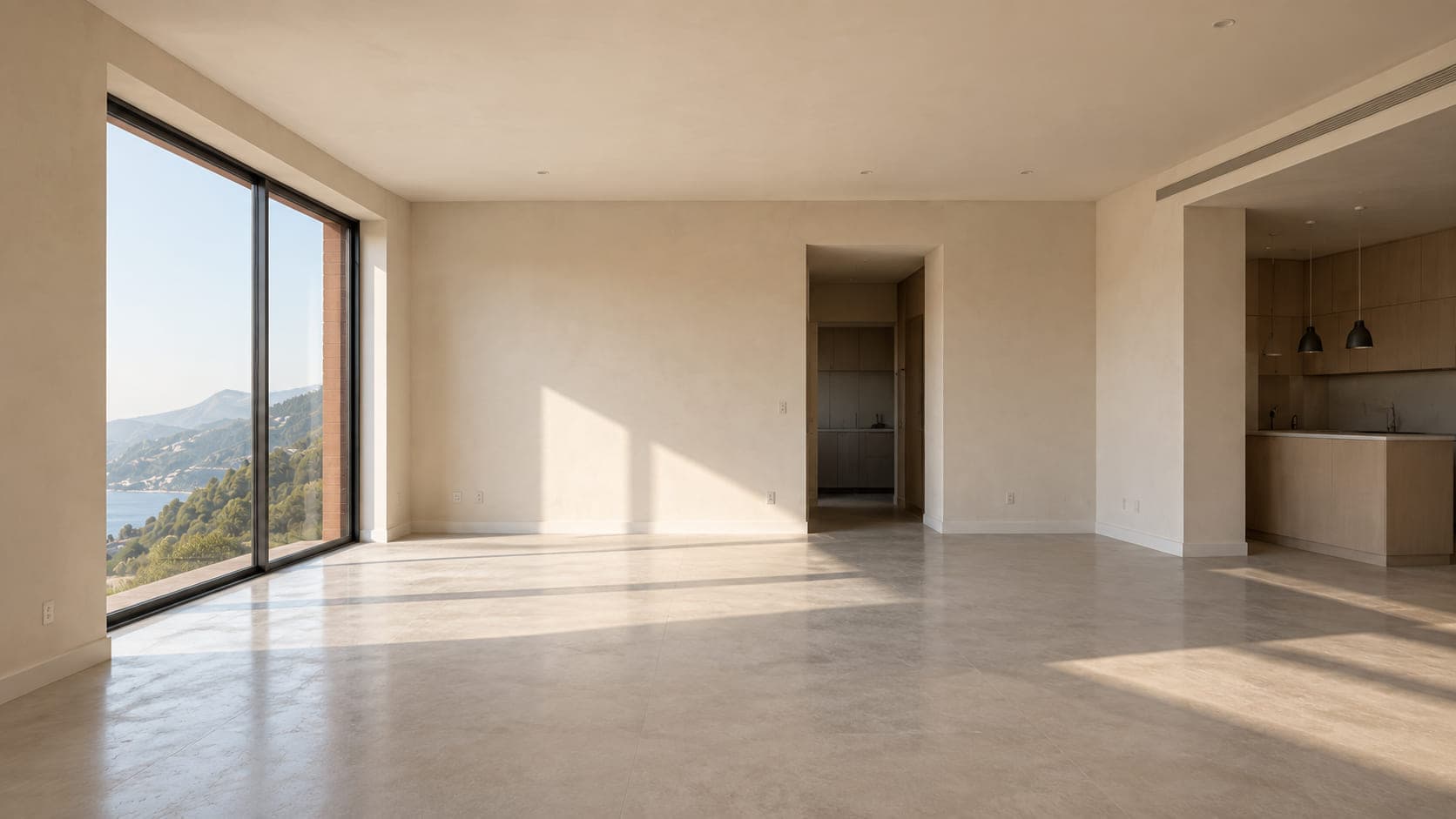
Before
Drag the handle, or use the arrow keys, to compare the two images.
For designers, architects & creative professionals
From vision to visual.
Turn photos, sketches, and ideas into stunning, realistic visuals. Reimagine spaces, explore new designs, and refine every detail — all in one place.
No credit card required.
Use cases
What you can do with Recarve
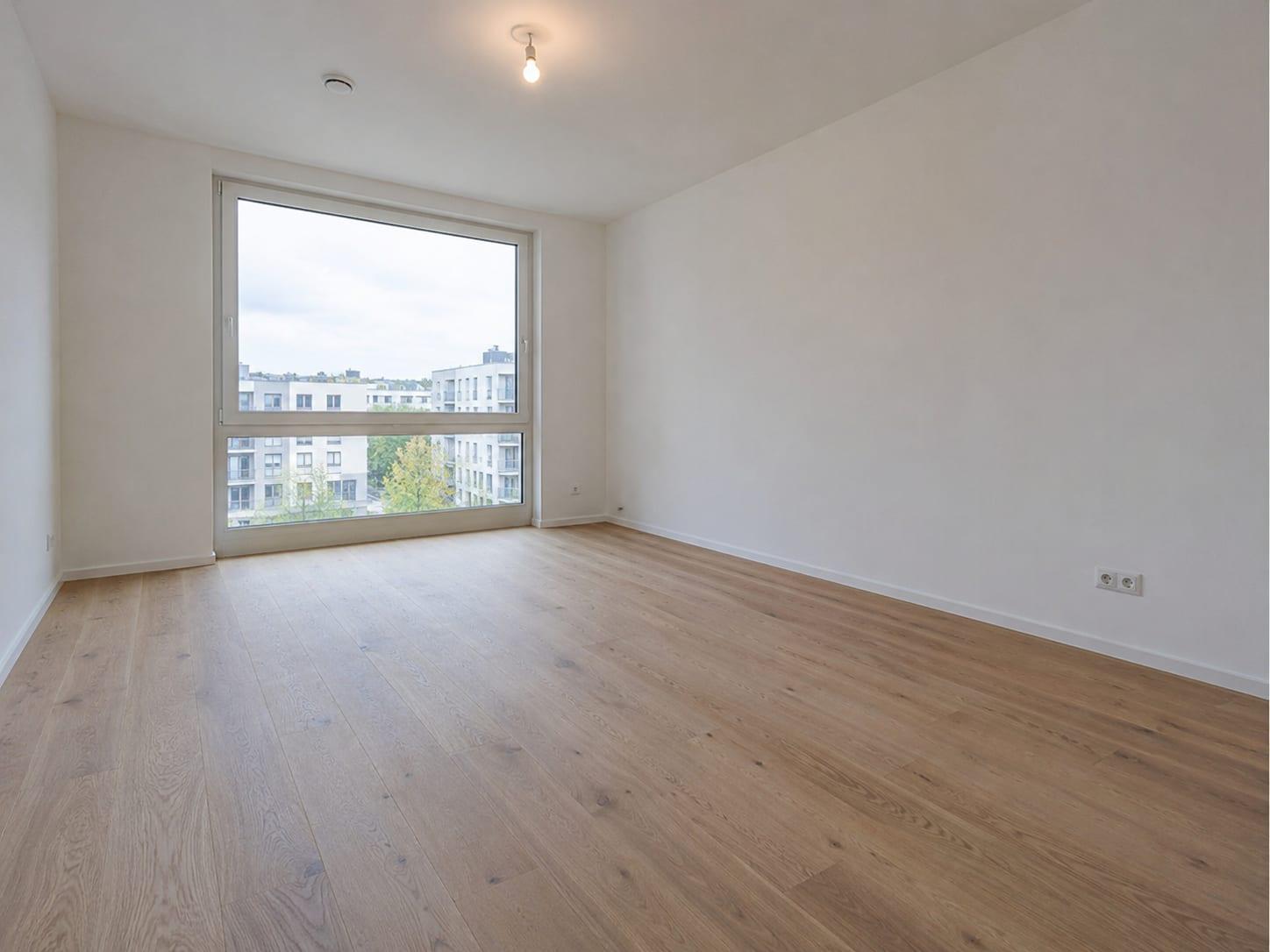
Stage empty rooms
Empty rooms are hard to read in photos. Furnish them, and buyers can see the size and picture their own things in it.
83% of buyers’ agents say staging helps buyers see a home as their own. NAR 2025 Profile of Home Staging
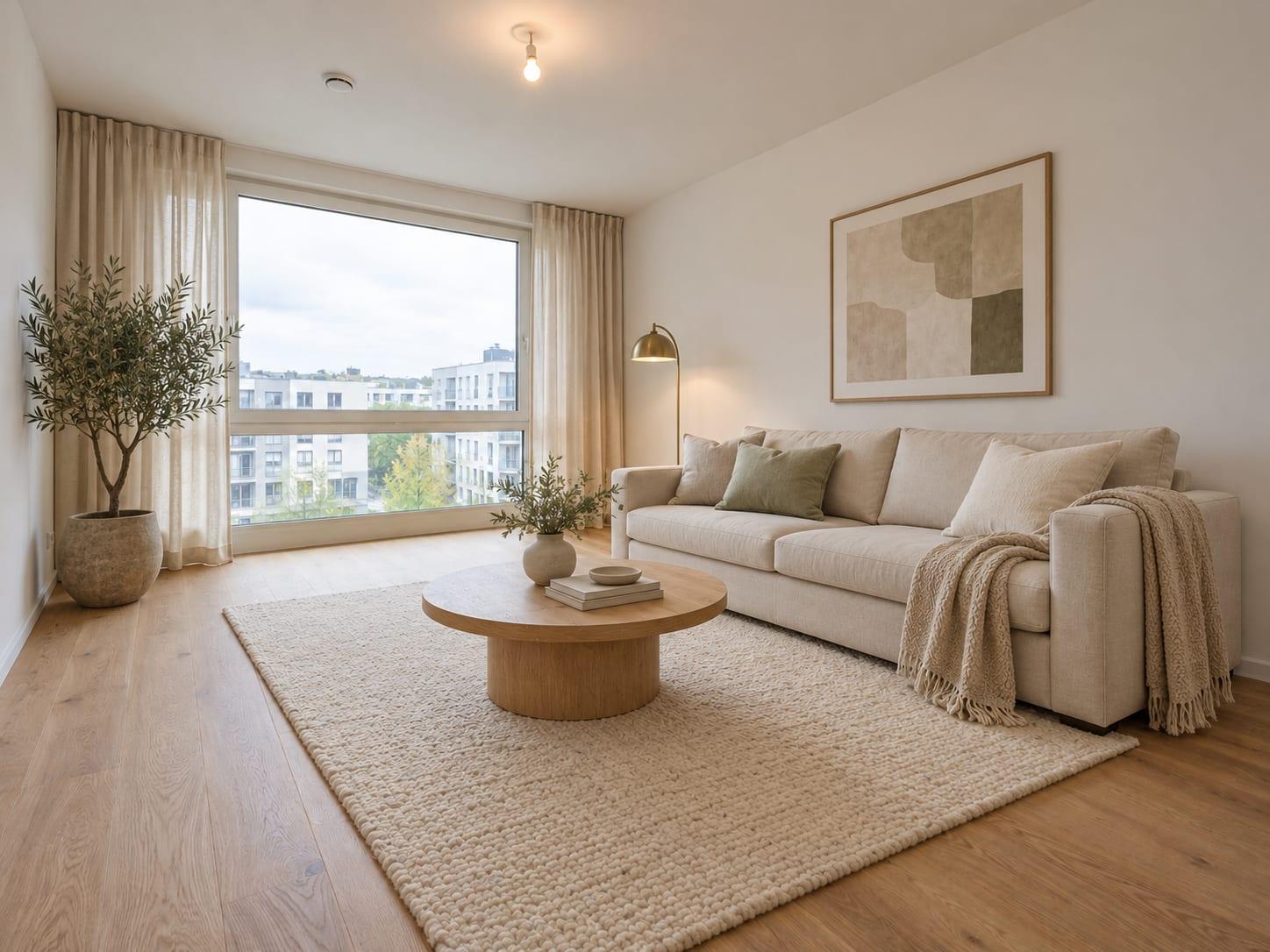 After
 Before
Drag the handle, or use the arrow keys, to compare the two images.
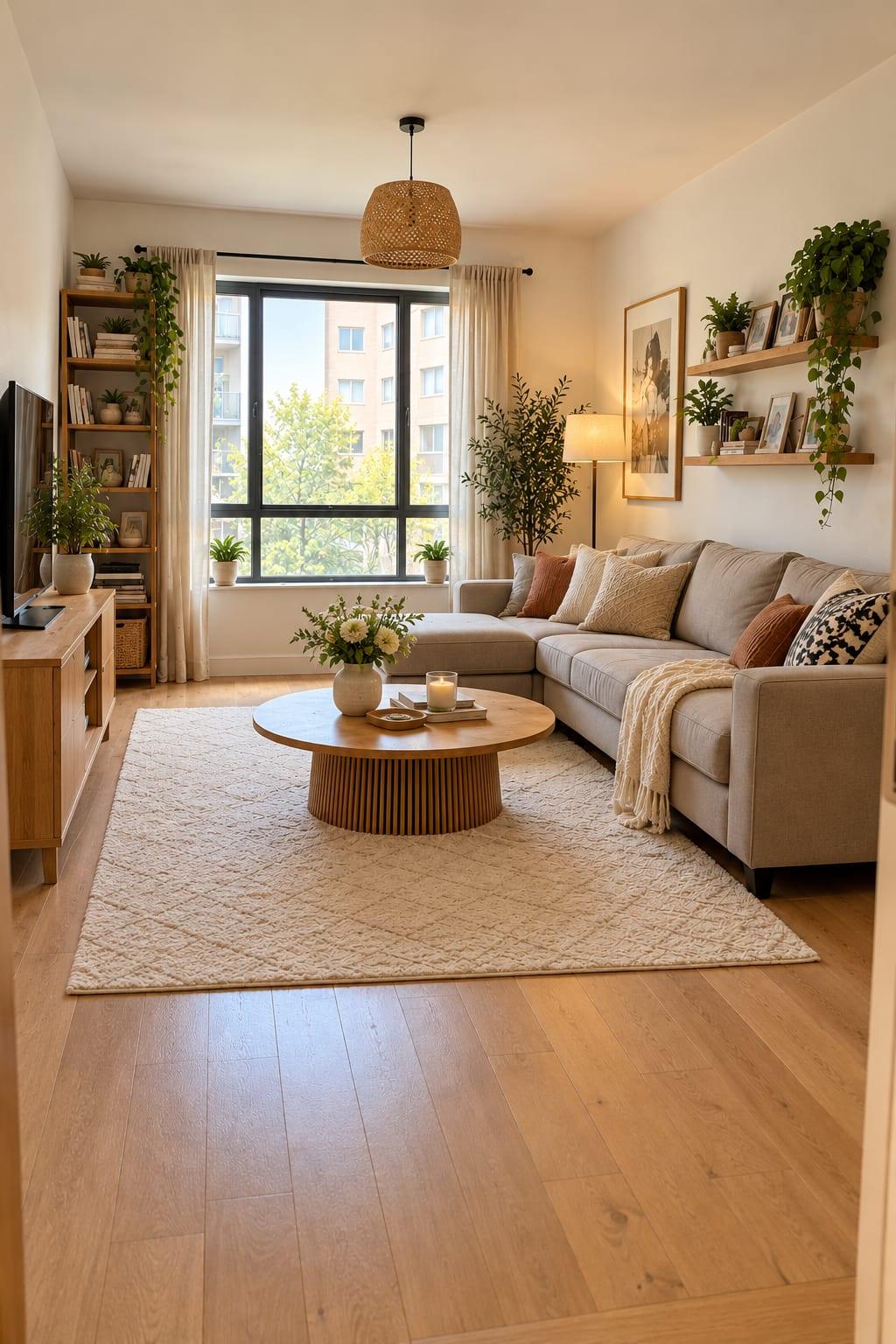
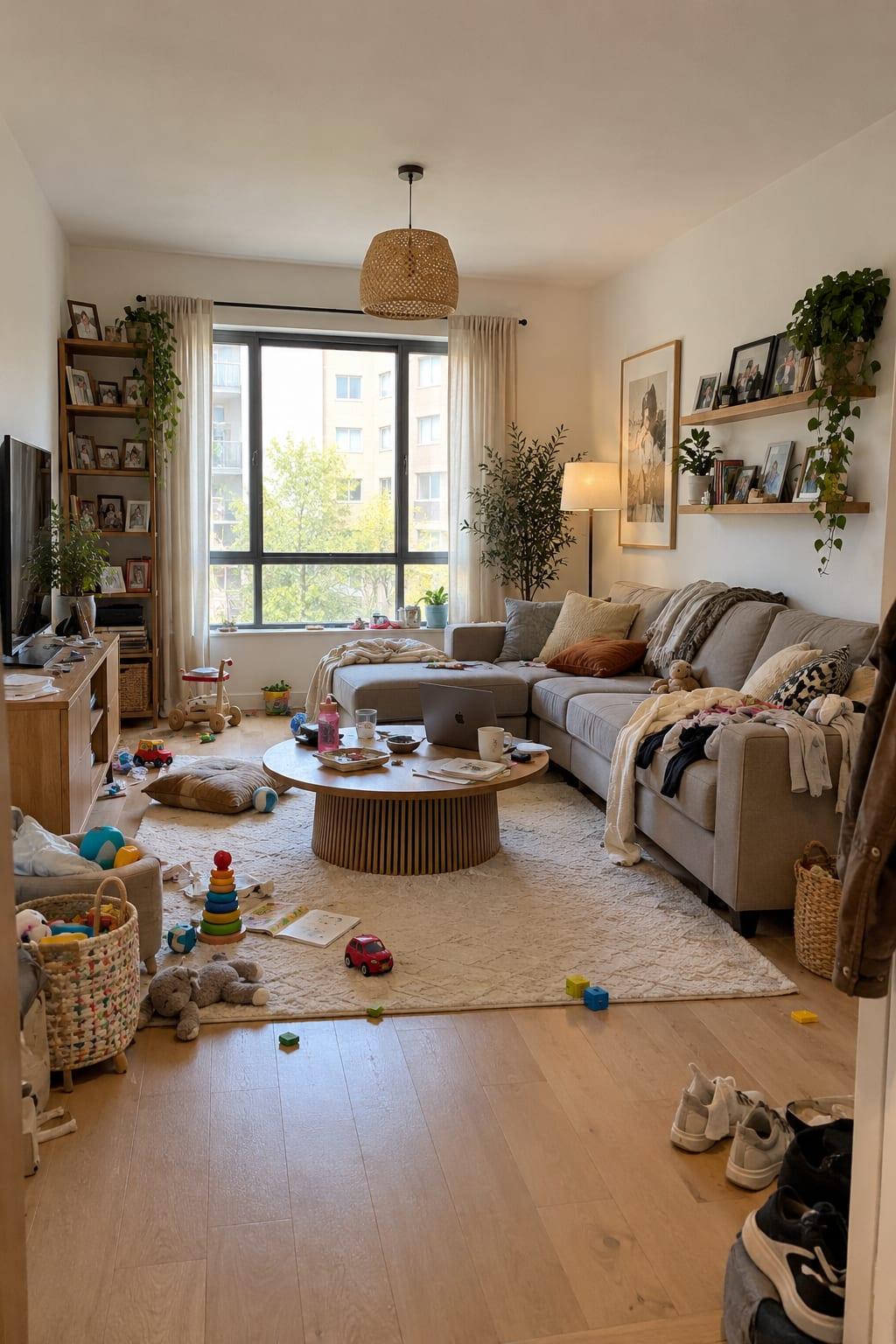
Declutter and restyle
The sellers still live there, toys and laundry included. Clear it in the photo instead of asking them to pack first.
 After
 Before
Drag the handle, or use the arrow keys, to compare the two images.
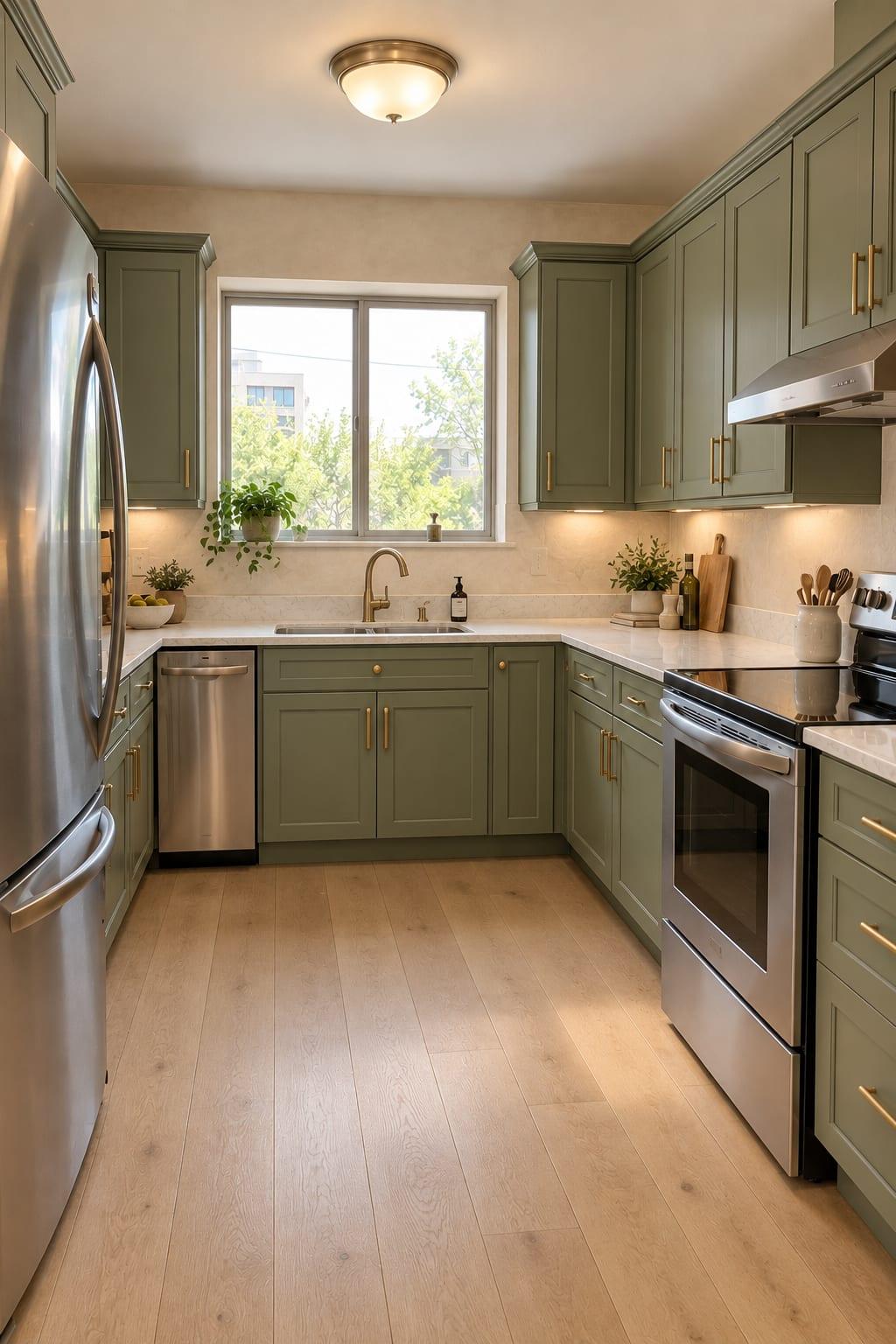
Try materials before you build
Clients can’t picture limewash from a sample chip. Show them their own room in it, in a few versions, before anything is ordered.
 After
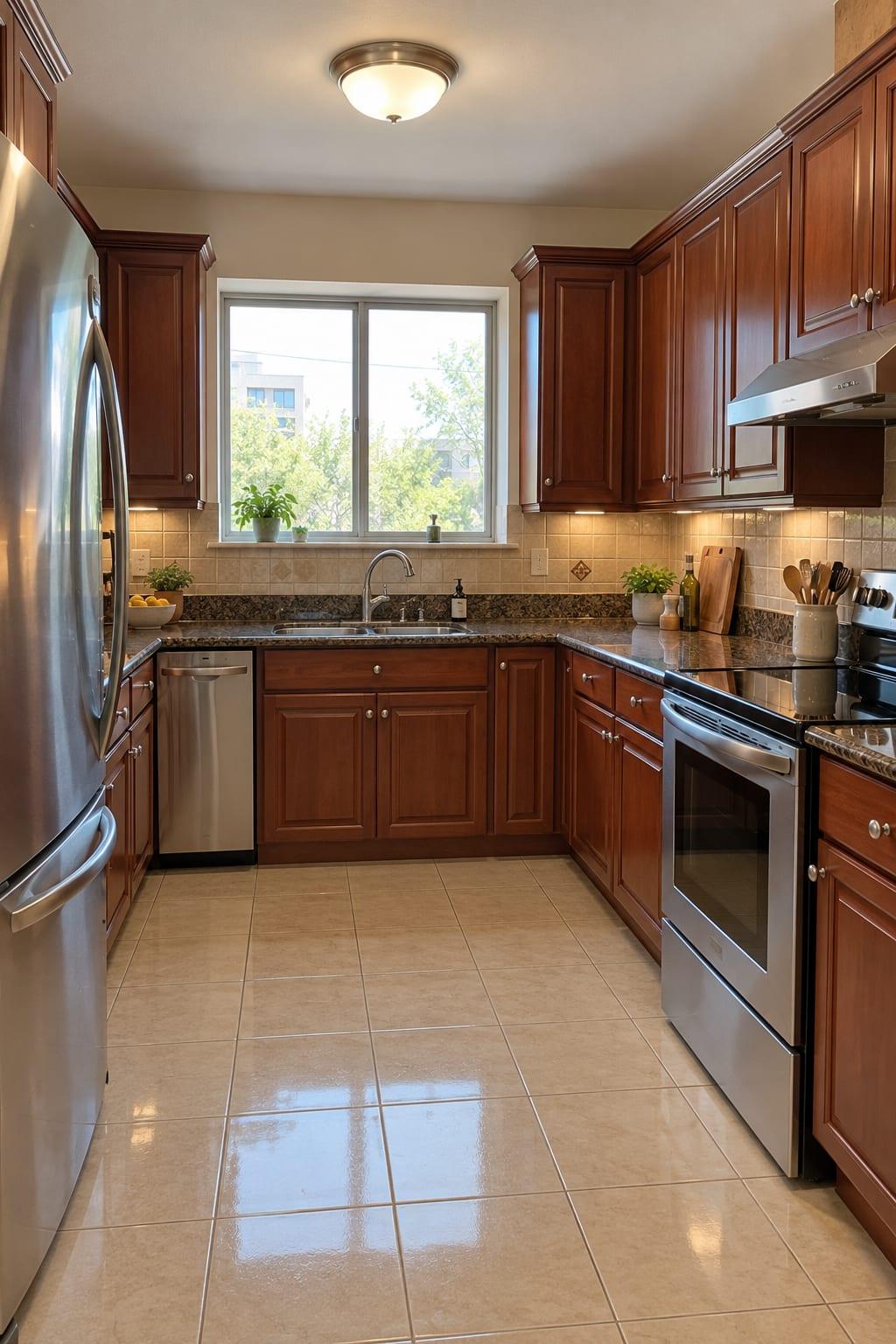 Before
Drag the handle, or use the arrow keys, to compare the two images.
Sketches and exteriors
Most clients don’t read massing models. Turn the model or sketch into a view of the finished building they can react to.
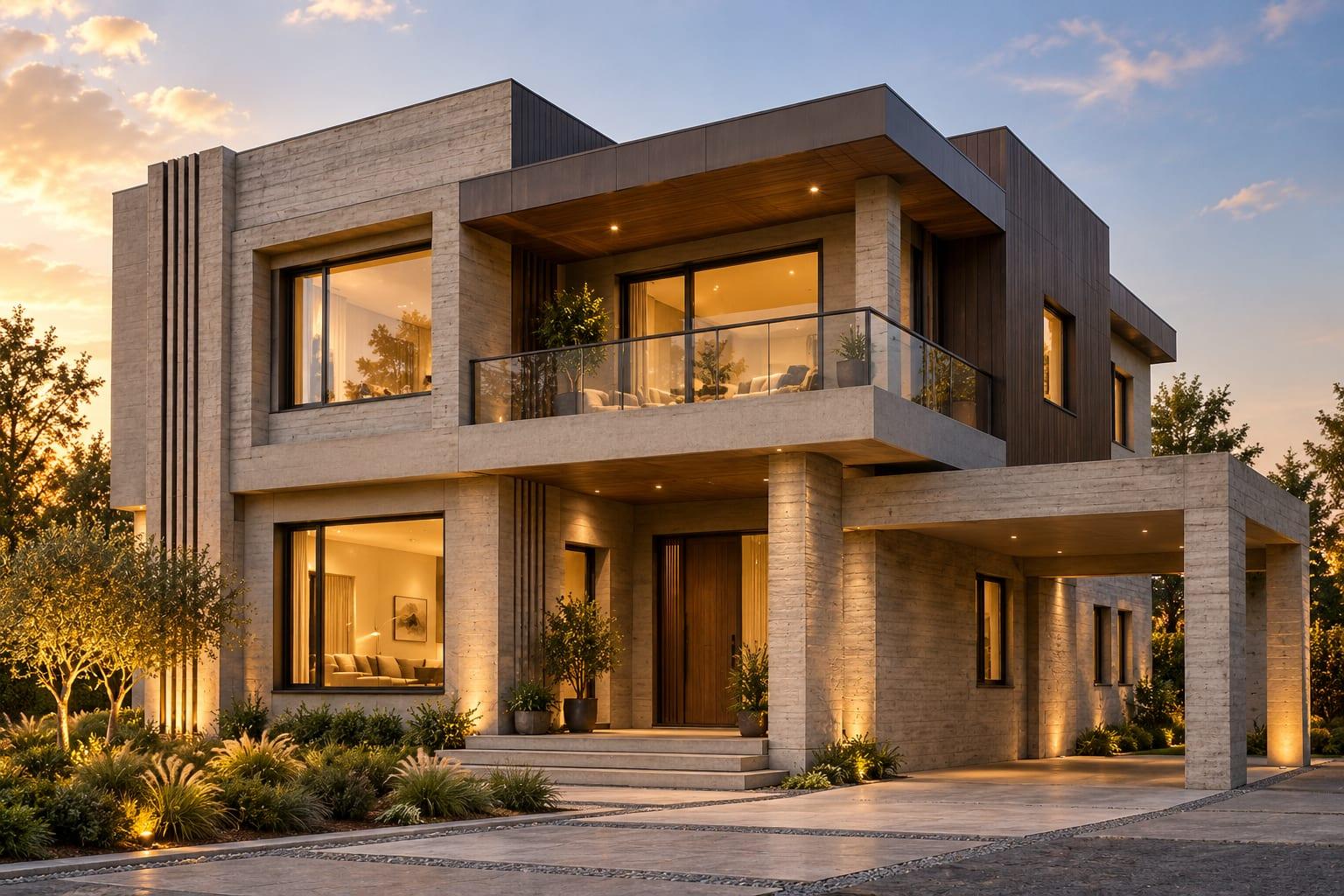 After
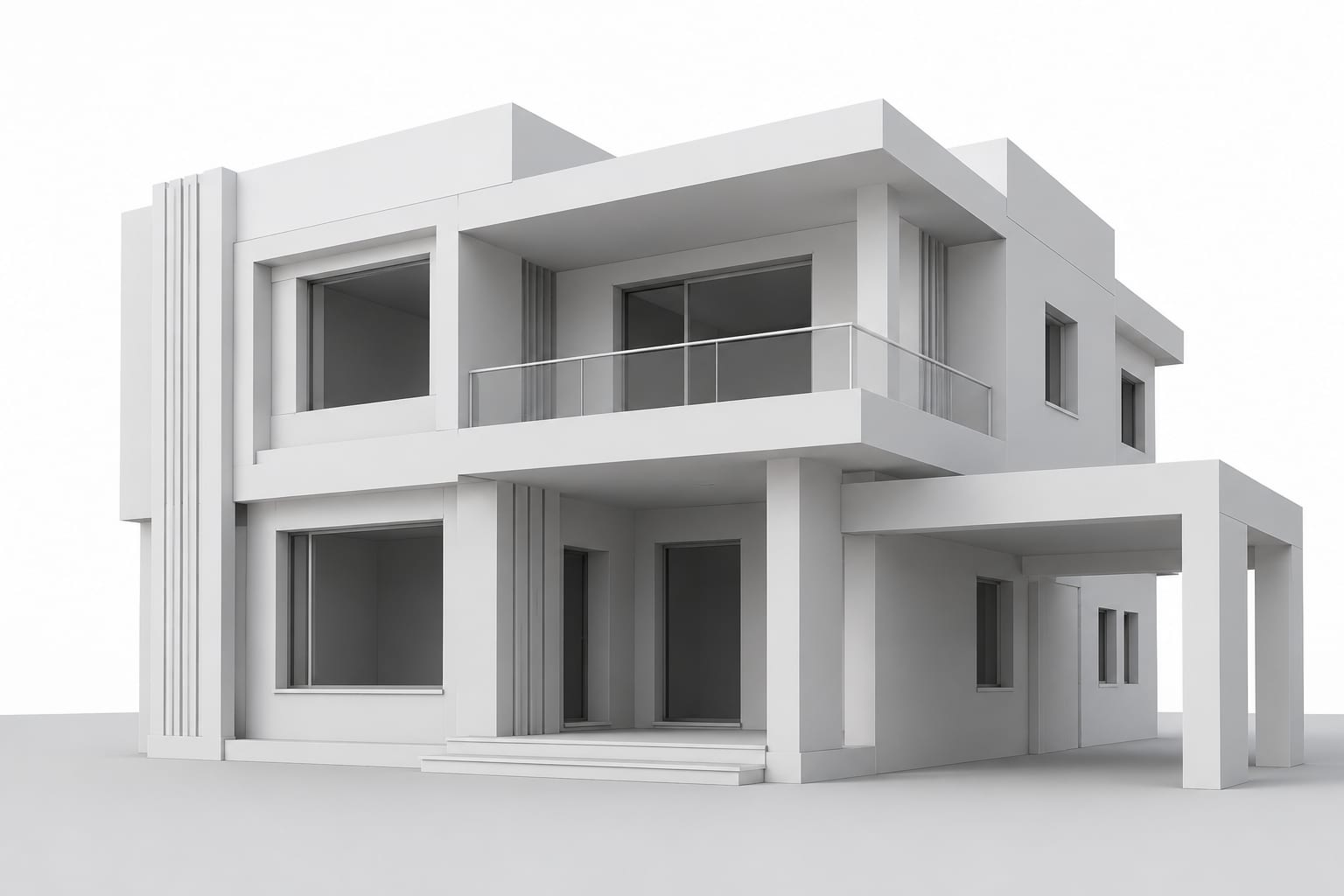 Before
Drag the handle, or use the arrow keys, to compare the two images.
On every plan
What you can rely on
The layout stays put
Walls, windows and the camera angle stay where they are unless you ask to change them.
Cost shown before you render
Each render shows its credit cost in the composer before you send it.
No charge for failed renders
If a render fails, you are not charged. Cancel one before it starts and the credits go back to your balance.
Your photos stay private
Projects are visible only to your workspace. We don't train our own AI models on your uploads or results.
How it works
Four steps from photo to finished image
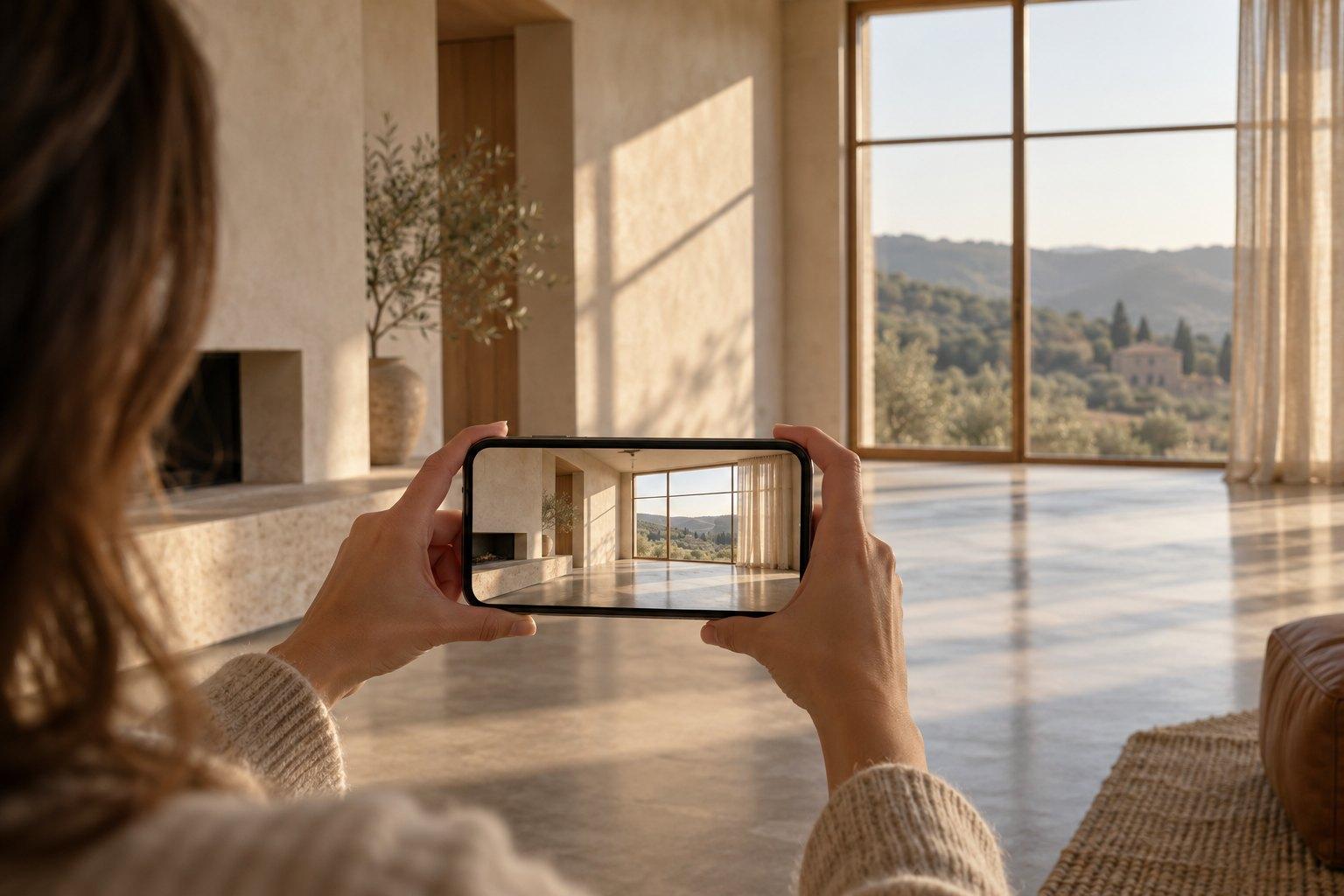
Upload a photo
JPG, PNG or WebP, up to 50 MB, from your phone, camera or 3D software.
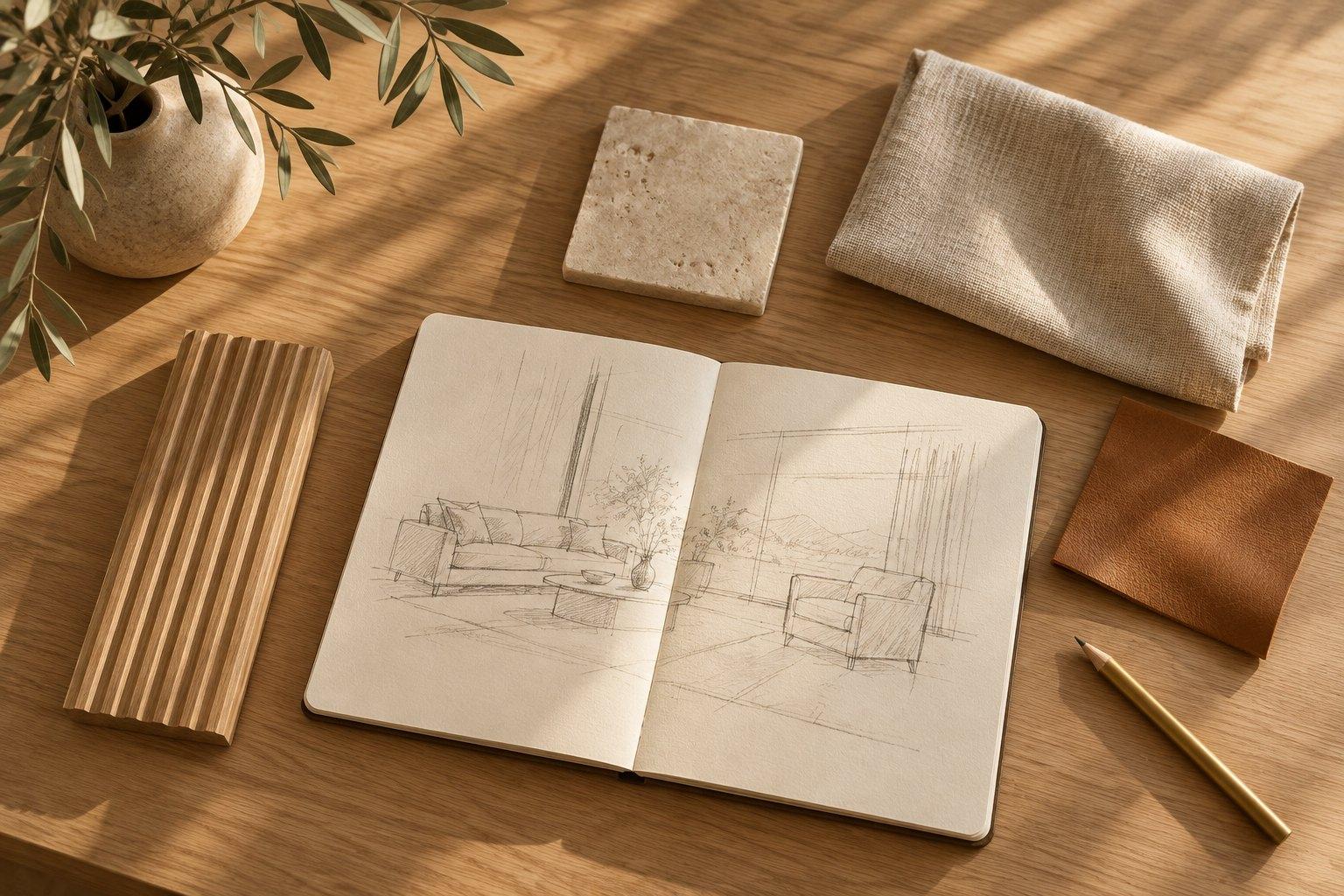
Describe the change
Write it like a note to a designer, for example “warm contemporary with fluted oak”. Style and size settings are optional.
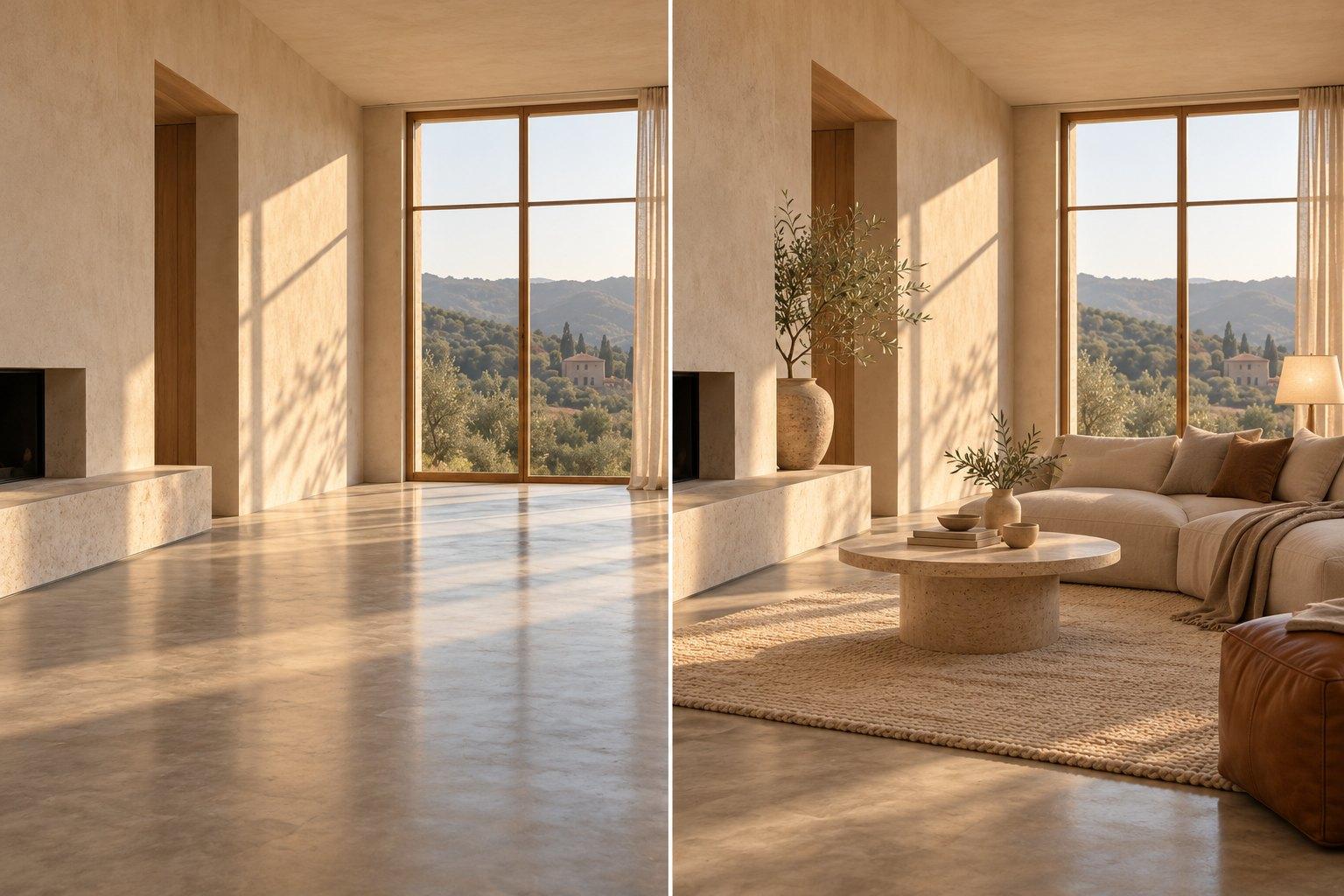
Compare it with your photo
Drag the slider over the result to check what changed against the original.
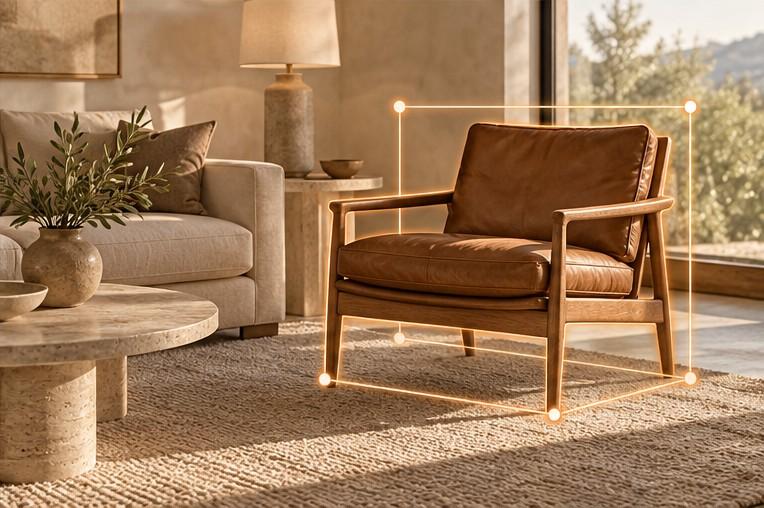
Fix a detail, then download
Mark one chair or cabinet to change only that area. Free renders download at 1K; Hobby goes up to 2K, Pro and Studio go up to 4K.
Examples
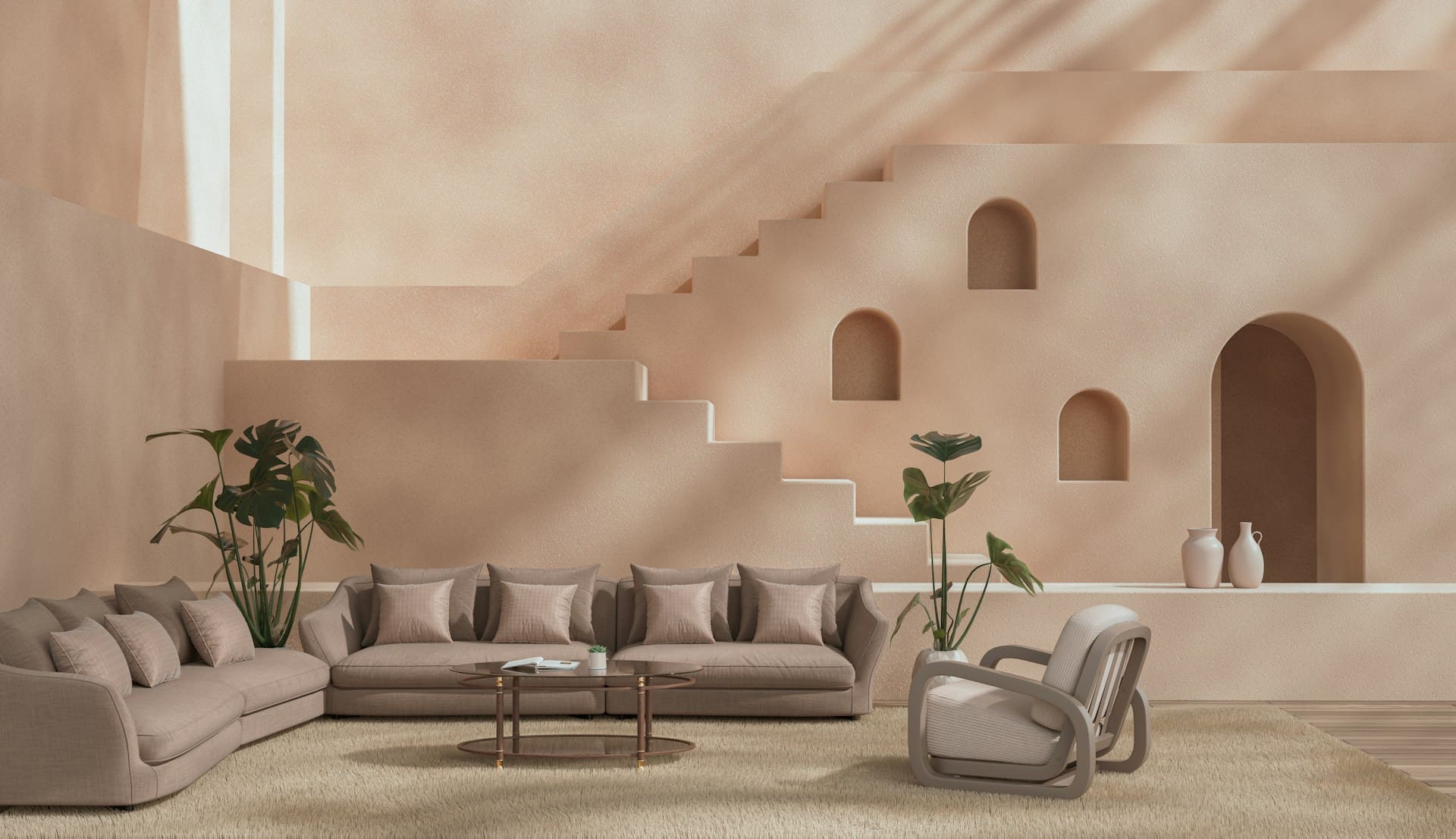
Name a style, or describe your own
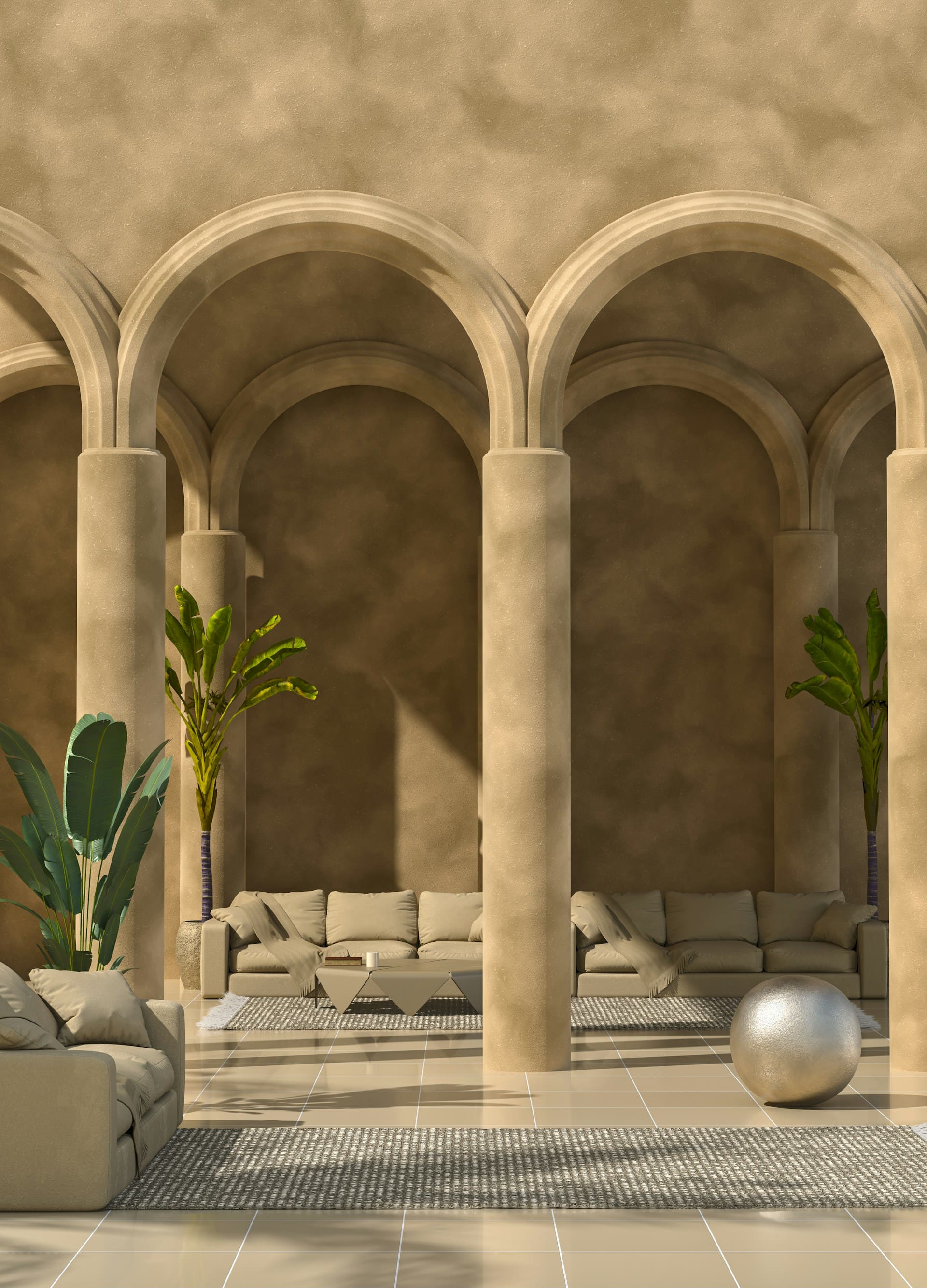
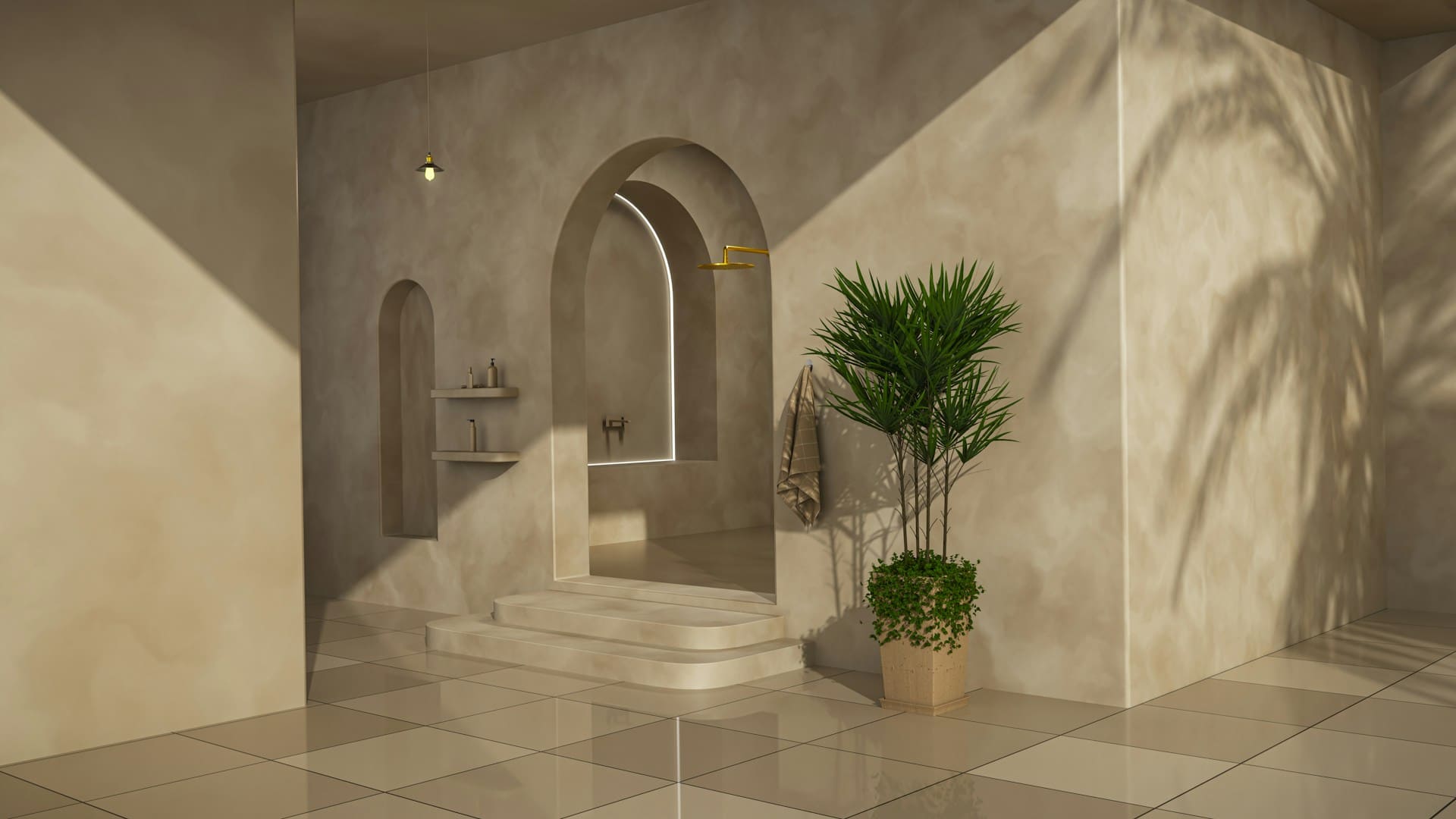
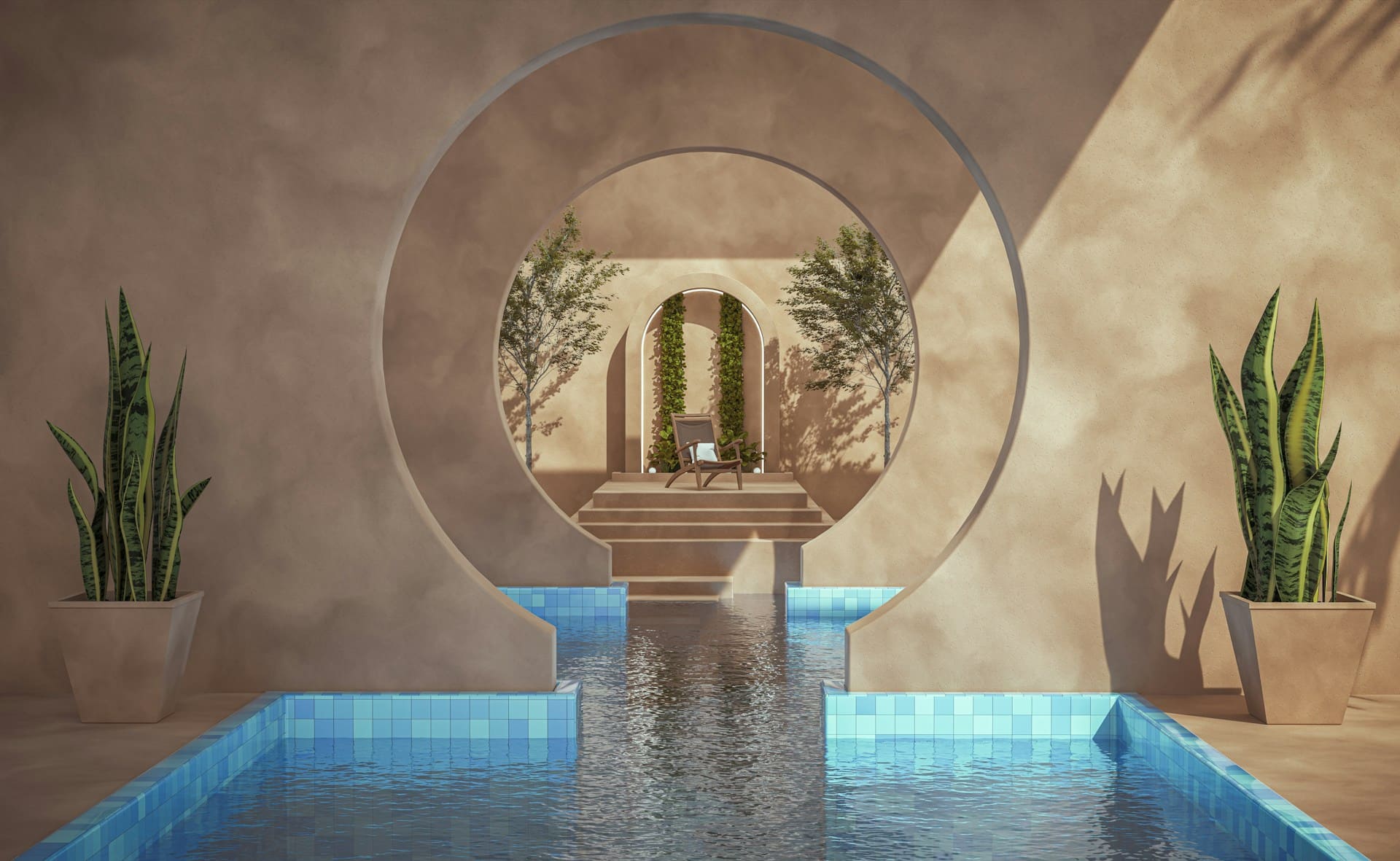
Ask for Japandi or mid-century by name, or describe the look in your own words, the way you would to a client.